Memory Access

There are two major types of memory access: uniform and non-uniform. Uniform Memory Access (UMA) is the more traditional approach, and we will start here

Uniform Memory Access (UMA)

UMA is the traditional approach of memory access and can be found in your every day PC. The "uniform" portion of UMA refers to the amount of time it takes to access any data in RAM. More specifically, in UMA, every CPU has the same latency in accessing memory in the RAM. That is, it takes the same amount of time for memory to get to the CPU, no matter what memory the CPU is asking for.

To enable UMA across all CPUs, large buses must be created and each CPU must have an entry point to that bus.

Consequently, one problem that arises is bus contention. This is where too many PEs are trying to access the memory at once. As analog, one can just think of the beltway around DC during peak traffic hours. There are only so many cars that can fit on the beltway and we get a parking lot as cars try to get to different locations. Similarly, in the computer world, if PEs are all wanting to access data at the same time (even if it is not the same data), there is a slow down. Hence, there is a limit to how many processors you can add before a slow down.

One fix could be have a larger bus, but there comes a point where hardware becomes too expensive or it becomes infeasible for the amount of PEs we desire to have, e.g. supercomputer with 1 million PEs.

To navigate this problem, Non-Uniform Memory Access was designed.

Non-Uniform Memory Access (NUMA)

NUMA was designed to solve the bus contention problem. It can be found in super computers or computers with dozens to millions of processing elements.

The "non-uniform" portion again refers to the amount of time it takes for a PE to access memory. Accessing its own local memory is fast, but accessing memory on another server is slower.

The benefits:

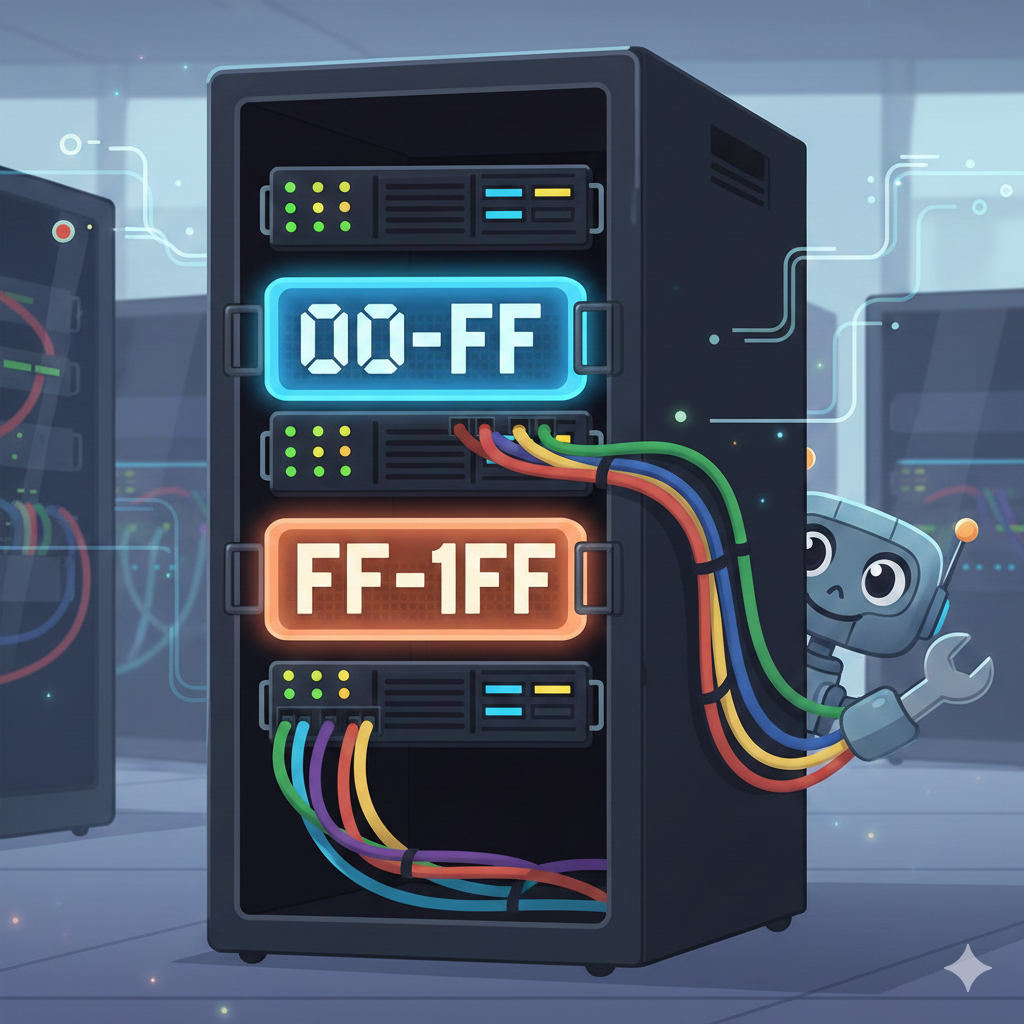
How it Works

Most super computers use Symmetric Multiprocessing (SMP) to an extent, for example, within a rack. SMP is where multiple PEs share main memory by having a single address space

The major benefit of SMP is the ease of use for the programmer. There is no need to think about where the data resides. There is no need to move data around.

So, why not have shared memory for everything? Well, we must discuss how it is done to understand its limits.

As you add more PEs to the system, the more PEs will be wanting to access the memory at once and we come across the bus contention problem again. So, though we can have hardware to do this for a few PEs, it becomes infeasible for more than 12 or so. To resolve this issue, distributed shared memory enters the scene. In this case, the memory is split up between the servers, but there is software that pretends it is one large memory (a single address space). This is NUMA.

Feature Shared Memory Distributed Memory
Communication Fast; via shared variables. Slower; via "Message Passing" (MPI).
Ease of Use Easy (like writing a standard app). Hard (you must code the data transfers).
Scalability Limited (< 128 cores). Massive (millions of cores).
Example 4-socket server. Supercomputers such as Aurora