· Using MySQL interactively:
· Establish a connection to the MySQL server: From “Start”àAll ProgramsàMySQLàMySQL Query Browser. Fill out the information requested:
o Server Host: schooner.cs.usna.edu
o Username: mxxxxxx
o Password: yourpassword
o Default Schema: mxxxxxx
xxxxxx is you alpha.
Click “OK”. A window similar with the one shown here should open up:
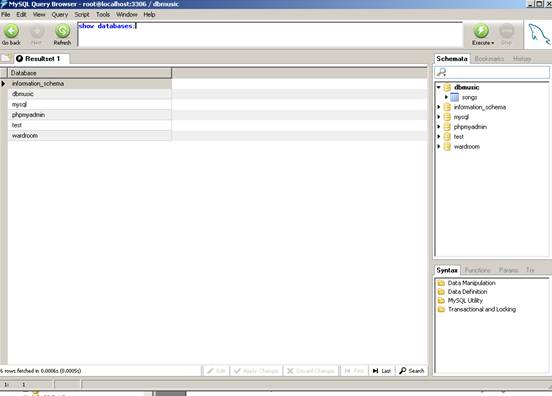
· Write and execute SQL queries: Write the SQL query in the Query Window. Click “Execute” button (“lightning” button), or select QueryàExecute from the menu, to execute the query. Note that you need to terminate each SQL statement with a semi-colon (;), if you have more that one SQL statement in the window / script.
MySQL Data types: check http://dev.mysql.com/doc/refman/5.0/en/data-types.html to see the data types supported by MySQL