The goal is to install basic Python software on your laptop so you don't have to depend on anything external from your computer to start programming.
Let's setup your laptops so you can program whenever and wherever you want!
You can even do this on your home computer.
We've intentionally chosen software that is freely available and generally easy to install on a "normal" computer setup.
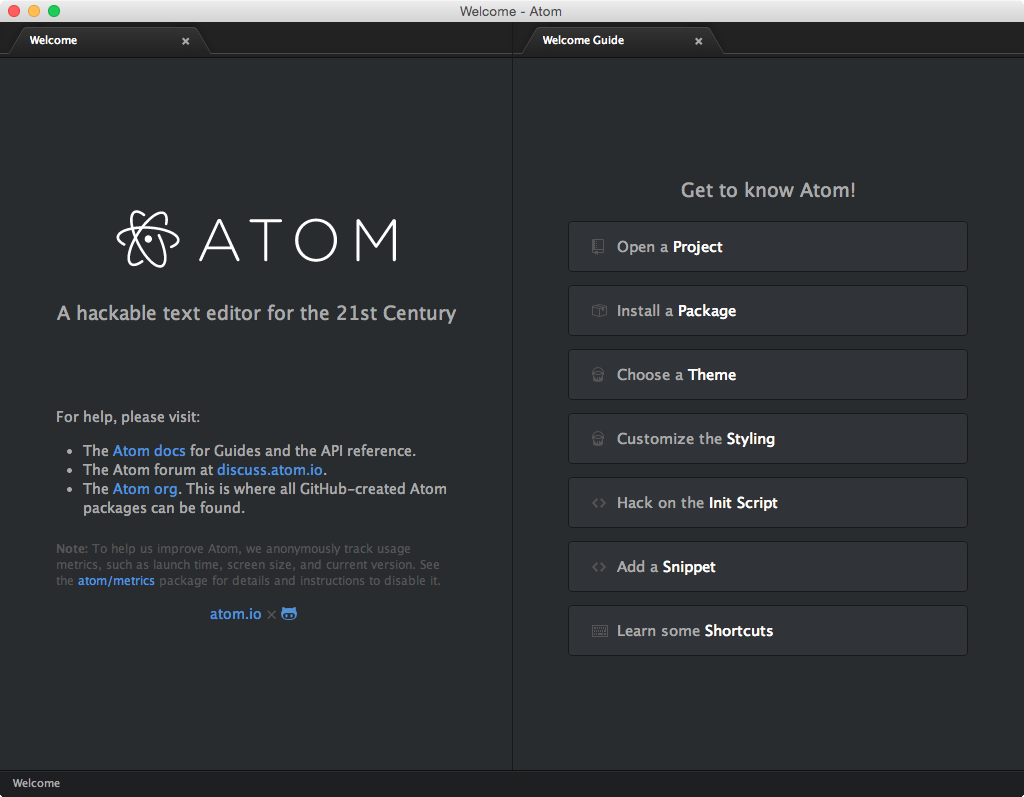
Step 1: Install Atom, a free (and popular) editor for lots of programming languages.
Done! You can now run Atom on Windows. Give it a try.
Step 2: Install WSL (Windows Subsystem for Linux), a terminal environment that will run the Ubuntu Linux operating system for us. You'll be able to download cool Python libraries and run Python from within WSL.
Enable-WindowsOptionalFeature -Online -FeatureName Microsoft-Windows-Subsystem-Linux

Step 3: Install Xming, a program that lets you display graphical interfaces. Just visit Xming and click the green Download button. Run the downloaded .exe file and click through the install buttons.
Directory setup. Before we begin, let's setup your Ubuntu WSL terminal so it starts up in an SI286 folder. Open Ubuntu on your laptop if it is not already open. Copy/paste the entire following text into your terminal and hit enter.
sed -i.bak s/"@.h...033.00m.."// .bashrc; mkdir "/mnt/c/Users/`whoami`/Desktop/si286"; printf "\n\nexport DISPLAY=:0\ncd /mnt/c/Users/`whoami`/Desktop/si286" >> ~/.bashrc
Close and restart the application. When it starts up, you should see this (but with your username not 'nchamber'):

Atom Editor setup. Almost ready!