
Application Instructions for NAPS & Prep School Students
Students who attended NAPS and/or Prep Schools via an official USNA program do not need to fill out the preliminary application again, however, you will need to update your application in the Candidate Information System (CIS) to reflect your current information.
First, log in to the USNA CIS Portal. You ursername is your email. If you do not remember your password, or have never logged in, please use the "Change Password" link next to login.

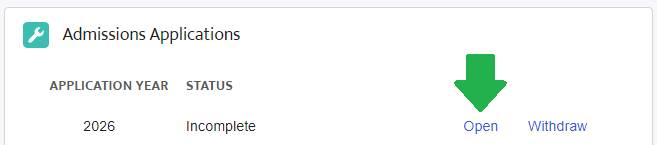
Locate the Admissions Applications block on the page

Click the "Open" button next to your incomplete 2026 application
Your application will load with much of the information pre-filled in from your previous application. Read each section carefully and press the "Save and Continue" button after the section if the information is still correct.

Extra curricular activities, like sports, clubs and community service do not prefill. Please make sure to enter an up-to-date and accurate list of your ECAs.

Please also make sure to update your education information to include your studies over the past year, and any other section that is out of date or blank.
Refer to the Application Instructions for detailed explanations of each section.
Once you have finished updating your information, please press the Save and Continue button at the bottom of the screen.
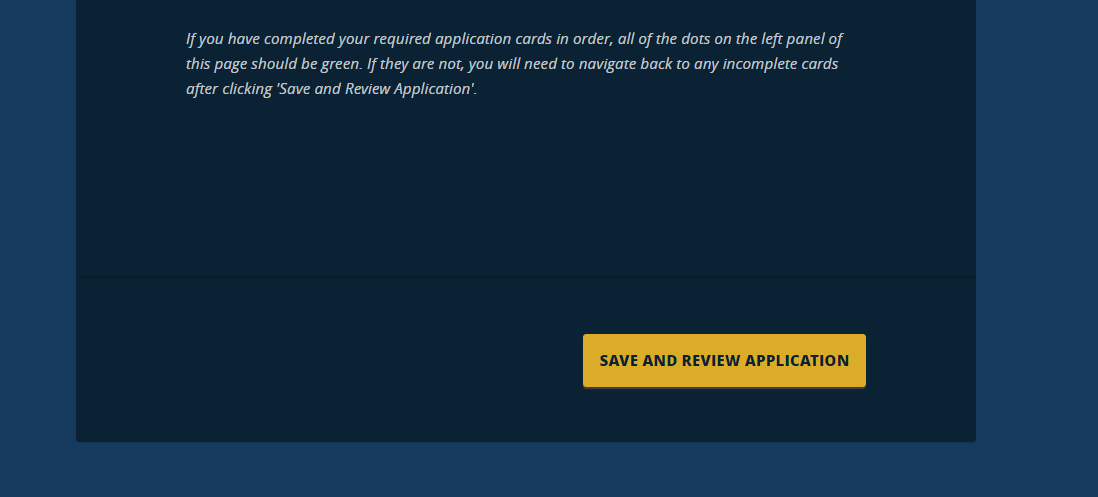
You will be shown a final copy of your application. Read through and make sure everything is up to date and accurate. Then submit your application (once you submit, you can not edit it anymore).